When it Rains…

It pours.  It totally pours.  I am a planner.  Anyone who knows me, knows that I plan.  But when working with technology, plans can easily go out the window or worse awry.  For example, I was pushing for our school to get access to Google Apps for Ed from our district back in April.  My principal got involved in June and continued the fight all summer.  I waited to get the green light before developing anything with GAFE.

Well, we finally got word that our school is the designated pilot school at the intermediate level for GAFE.  We received that tidbit a little over a week ago.  School has been in session for over two weeks.  If I had it MY way, I would have had the parent letters set up, translated, and ready to be sent out the first day of school.  But now I’m having to scramble to get the letter ready.  Luckily for me, I know colleagues in other districts who have already paved the way…so I’m literally following their trail of bread crumbs.

Normally, this task wouldn’t be a big deal…except that I’m also working on getting the iPads ready for deployment.  I’m putting together a brief overview of how to take care of our iPads to show to students (and teachers).  And I’m also working on revising lessons so that students can work on the iPad using collaborative tools such as GAFE.

This past week our CRA finally finished uploading one iPad with the suggested apps.  He gave it to me on Wednesday to try out with my classes.  No problem, right?  Except…the school wifi isn’t strong enough to run Reflector which is what I was going to use with the iPad.  I always do a trial run at home to make sure that things work, but when I come to work, it’s always a crap shoot.  Needless to say, I didn’t “try” out the new iPad this week.

Working at a public school, I never know if our wifi will be able to handle the traffic; I don’t know if our laptops have the latest OS; I don’t know when our district is going to run our security program which coincidentally kicks us off of the Internet with no warning.  Talk about working on the fly.  Good thing that my students and I are pretty flexible.  But this juggling act is getting a bit tiring and it’s not even the end of September.

But here’s the BEST part…our school population is larger than projected.  So we’re getting two new teachers.  On Monday.  And I have to write lesson plans for the world history classes since we’re starting with subs until we can get a permanent teacher.    I suppose I can get everything done if I don’t sleep.  Sleep is over-rated, right?
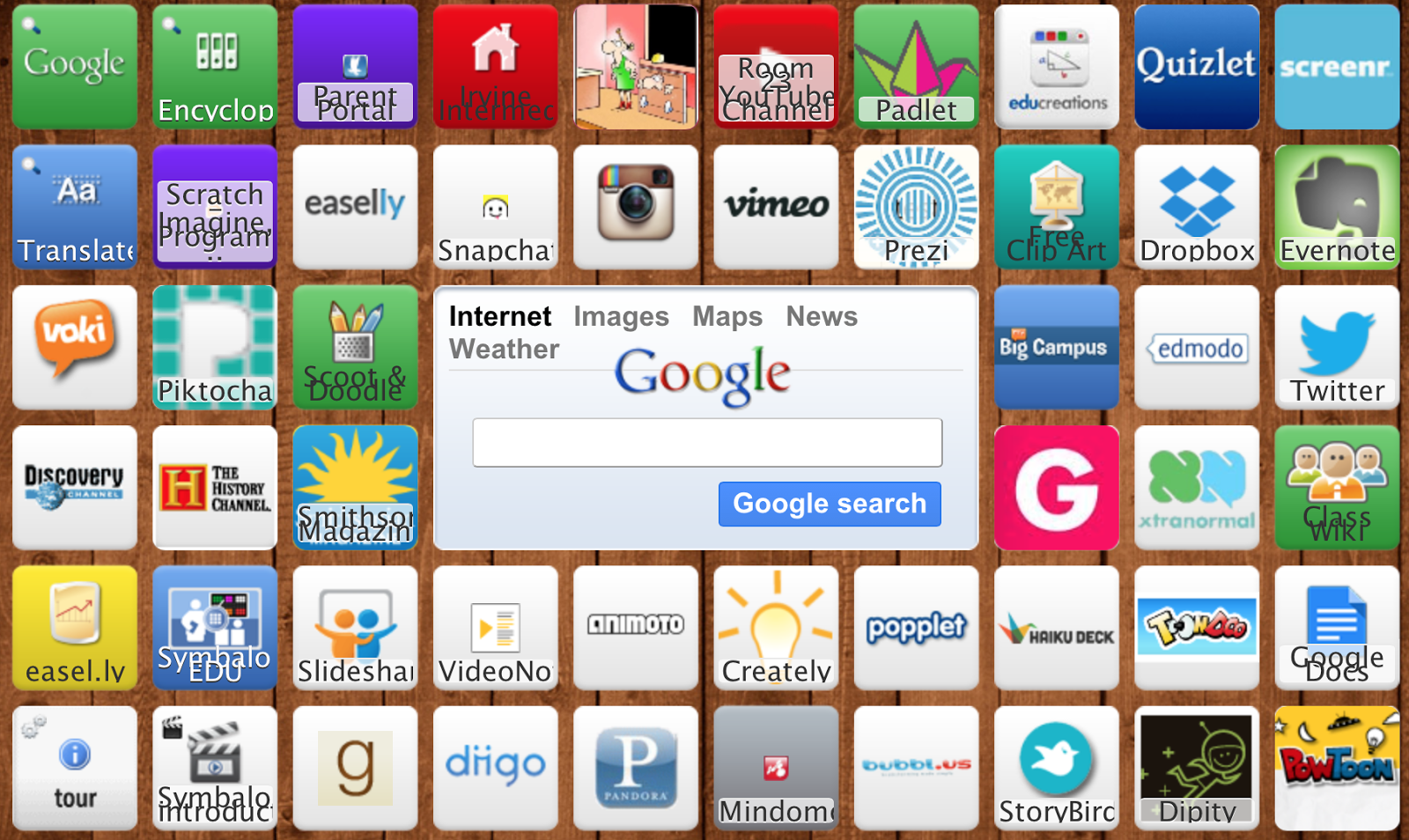
Lost in Symbaloo

For a certification course I’m taking, I was given the option of creating a bookmark of Web 2.0 tools using either Diigo or Symbaloo.  I’ve been using Diigo for several years now, so I decided to give Symbaloo a go…

I love it.

I don’t know what took me so long to try this.  A colleague of mine told me about Symbaloo and suggested that we try this out with our group…but it went nowhere.

Having now created a webmix of technology tools that my kiddoes will be using this year in World History, I’m so excited to share this tool with others!  Perhaps I can even have my students create their own webmix…hmmmmm, the wheels are turning.

Staying Connected

For several years my district used Teleparent as a means for us to stay connected to parents.  It took us awhile to get used to Teleparent because of the lack of PD.  I guess it still shocks me that with all of the research and studies out there that state the importance of sustained PD if they want teachers to adopt and effectively use technology that districts do not realize the importance of offering on-going PD. 

And just when we were getting used to Teleparent, my district switched to School Messenger.

I’m not sure whose opinions where taken in account when making the switch, but I don’t recall any surveys coming out asking us our views on Teleparent and whether we should switch to another company.  But the fact remains, the district dropped Teleparent and adopted School Messenger.

Sure, there were a couple of workshops and webinars on School Messenger, but anyone who has been in the classroom knows how hectic the beginning of the school year is.  No one has time to attend workshops.  For me, I figured webinars were the way to go.  But true to form (in my district) the webinars could only be accessed from the school wifi.  It makes one wonder, why bother?  “They” have made it so difficult for us to learn how to use this tool that I’m sure they are paying a pretty penny for.  When I asked why the webinars were only accessible from within the district network, I was told because it was proprietary material.  Really?  Knowing how to use a technology tool that other districts across the nation are probably using as well is somehow proprietary?  Geesh.

Bottom line is…I can’t figure out how to use School Messenger.  In fact, my whole department (and quite a few members of our staff) has given up on using that tool.  Needless to say, we weren’t as connected to home last year as in years past.  But this year my department is ready.  We’re going to use Remind 101.  No, it doesn’t translate messages into Vietnamese or Spanish like School Messenger, but we’re also not going to be sending long messages either.  The purpose of using Remind 101 is to send text messages to students and parents reminding them of important dates, etc.  It may not be as “robust” as my district claims School Messenger to be, but at least Remind 101 is intuitive.

We’re very excited to be able to connect to parents using this accessible tool.  In this connected world, text messaging is common-place.  I think that parents and students will like this kind of communication tool.  And better yet?  Neither party has to exchange cell phone numbers.  Parents and students have to sign up with a code and then we can send them messages from Remind 101.  But the best is…yep, there’s an app.  Wow.  What did we ever do before technology?