Messy is Scary…sort of.

This week I decided that I would create a flipped lesson for my students so that we could delve deeper into the material during class time.  My intent is to add rigor and enrichment.  At the CUE to You presentation by Jon Bergmann this summer, he mentioned that teachers who used flipped lessons had to expect and be okay with having a “messy” type of instructional period.

And that’s where I found myself today.

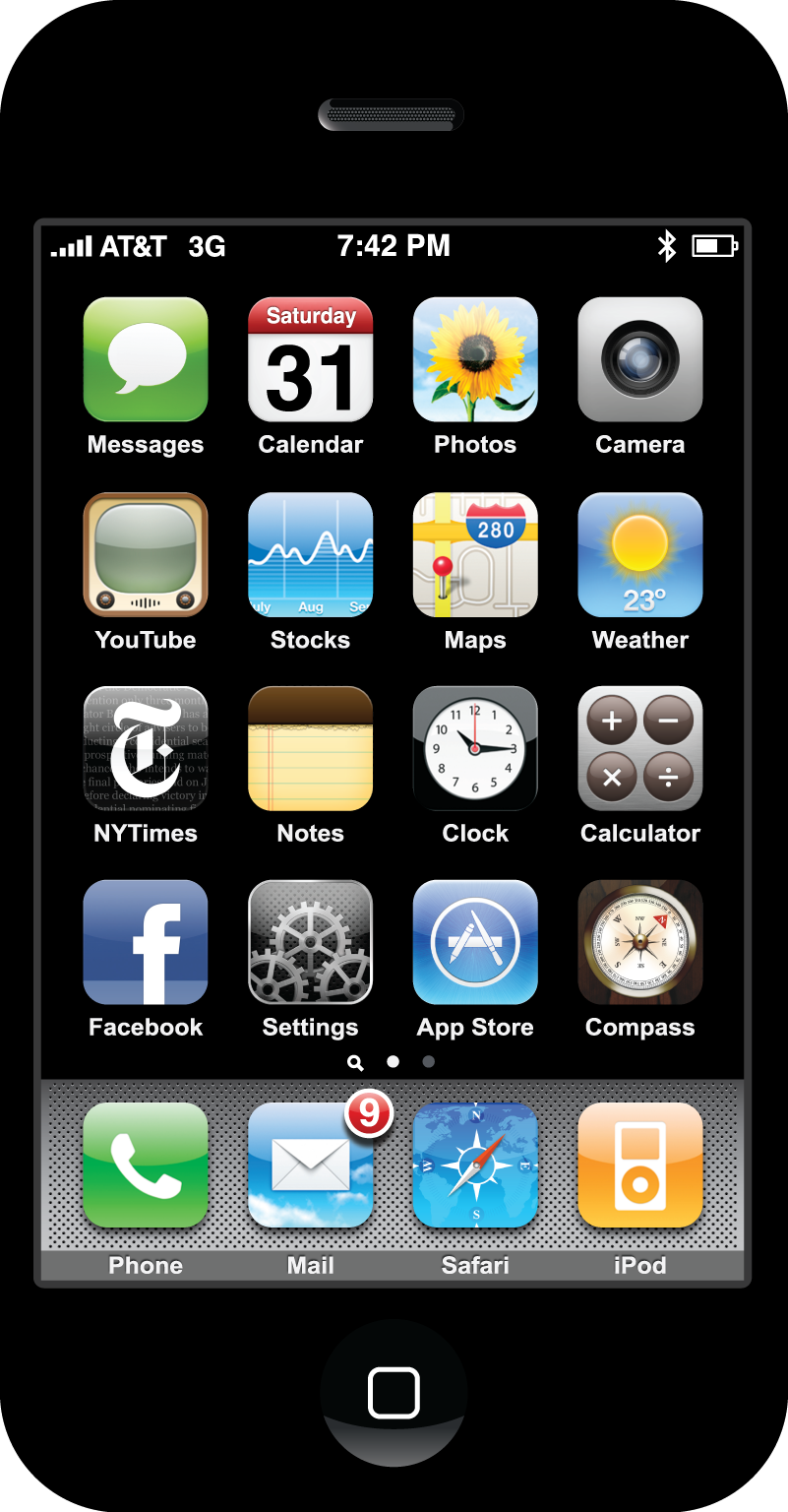
With permission from my principal, I told my students that if they had a smart phone, that they could take it out and leave it on their desk face down (I couldn’t have them looking at their push notifications, could I?)  After students finished the class activity – classifying details for the various world religions – I told them that they could use their smart phones to begin their homework.

I created a podcast – well it’s actually a vodcast – but I didn’t feel like explaining the difference to my students and most of them know what a podcast is.  The podcast was about the Five Pillars of Islam.  Students were to watch the presentation on the class website and create a tree map with the details of the Five Pillars of Islam.  Easy.  Right?  No.

First of all, the videos only seemed to work on iPhones.  Not Androids.

Second, several of my students have smart phones, but many of those are only wi-fi enabled.  Makes sense for the socio-economic area that my school is located in.

My Plan B?  Add the podcast to our Edmodo class library.  My Plan C?  Add the podcast to our Edmodo class page.

A student asked, “Is it on YouTube?”

I tried to explain how it took so long to upload last night that I eventually had to go to bed.  I told them I would try it again.  At home.  Since YouTube is blocked by my district’s firewall.

I successfully uploaded the podcast to YouTube (Plan D) after I got home.

Students were ecstatic.  They could finally watch the video.  One of my students downloaded QuickTime because she figured it would be easier to watch the videos I make since I use a Mac.  Smart girl.

Today’s class was messy though.  But I loved it.  Students were using their smart phones or at least attempting to do so.  Some of them were trying to hide it even though I told them that they could use it.  Some of them came after school so that they could use their smart phone in my class to look up the podcast.  I love it again.  And I really appreciate my principal being open to allowing students to use cell phones in my class.  Did I mention that cell phone use is banned at my school?

Tomorrow is Day 2 of the flipped lesson.  I’m using flex groups to differentiate the learning for my students.  It’s going to be messy tomorrow.  I should be more scared but for some reason I’m not.  Call me crazy.

IT is not for Sissies

One of the new duties I’ve taken on in my district is helping them with their online courses.  Because I have worked with a couple of LMSs at the county level, I was humbled to be asked to help my district in the transition from their old LMS to their new one.

For me, this was another opportunity to gain more experience in online course development.  I was ready for the challenge.

As usual, there is always a learning curve, and I was ready to take on the challenges.  Our online Health course this summer revealed a few bumps along the way, but for the most part the transition was smooth and there was little that I needed to do in my role as “tech support”.

As the summer wore on, a colleague and I worked on transferring and revising the course material from the old LMS to the new one.  We chose to use SoftChalk as our online medium in case our district did not like the new LMS.  Per Murphy’s Law, we ran into some serious roadblocks, but nothing that couldn’t be fixed with a good night’s sleep.  Let me tell you, collaboration is key in times like this because what one person cannot see is likely so obvious by the other that in little to no time, we were able to solve our problems.

The Big Reveal.  The culmination of our hard work this summer was revealed during a workshop with our online teachers.  Luckily, the workshop was expanded from two hours to three.  But even then, we still ran out of time to cover all of the material.  

The one thing unfortunate aspect of the workshop was that the rosters for the courses were not uploaded to the courses itself.  Without going into too much detail, the teachers were told that the rosters would be uploaded sometime during the first full week of school.  Of course, that doesn’t bode well for teachers who scheduled their orientation during the first two days of school.

Did I mention that my primary job is to teach world history to middle school students?  I was busy preparing my classroom for 200+ 7th graders who would be tentatively(?) walking through my door.  In the back of my mind, my responsibility of course development and teacher trainer were done (at the moment) and I could now devote my time to preparing for my own students.

It was not the case.

Over the next three days, I received numerous emails, text messages, phone calls, and in one case, a conference call to figure out how to upload the class rosters to the courses.  Needless to say, I was a bit confused at the turn of events.  I am not an IT person.  I don’t work for IT.  In fact, I call IT to help me.  My primary responsibility was for course development and LMS support.  I know nothing about code.  I don’t want to know anything about code.  I don’t even like numbers.  But now I found myself being thrown into the mess of how to merge the rosters with the courses.

Why?

Because the IT guy who normally does this is on vacation.

Did I mention that all of this converged the day before school opened and continued to the first day of school?  Shall I also preface the situation with the fact that I don’t have air conditioning and it was in the low 90’s with what felt like 105 degrees with the humidity?

I had scheduled a yoga session on the first day of school because I figured it would help with the stress.  But the direness of the situation came to a head right before I was to leave for yoga.  I thought I had everything under control as I grabbed my mat for my candlelight yoga session.  I had reached my happy place.

Wrong.

When I arrived home, I had several emails, a VM, and three missed calls.  What I thought was the situation was not.  And apparently it was up to me to figure the whole mess out.  I was not in my happy place anymore.  In my realm of happy places, dealing with anything that has to do with IT is nowhere in the vicinity.

Three hours, several emails, too many text messages to count later, I had the situation rectified to the best of my ability and permissions.  I merged the two different accounts for the online teachers.  I changed the class owners.  I deleted extra accounts in the courses.  I imported the rosters to the courses.  I fixed links for the first three modules.  It was 11:15PM.

I fired off the update to the Powers-that-Be and headed off to bed.  It was up to the real IT team to take the next step.  I had Day 2 with my kiddoes to deal with.

At 7:20AM the next morning, I found out that none of the students can log in to their courses.  Two teachers had their orientation at 7AM.  Two more teachers were hosting theirs that afternoon.  I was speechless.  Did I mention that I’m not in IT?

I was hired to help with the transition between LMSs and to recreate the courses in the new LMS.  I was once again, asked to be tech support.  All of which is within my area of experience.  I’m comfortable with that role.  I am very uncomfortable with anything that has to do with numbers and vast amounts of data that need to be imported or merged.  Very uncomfortable.  I’m pretty sure that anyone in IT salivates when numbers are involved.  I feel parched and a bit queasy.

Luckily for me, since my primary responsibility is to the 200+ 7th graders that were about to walk through my door in an hour, the situation had to be handled by someone else.  And it was.  Thank goodness.

The IT person is supposed to come back on Monday.  Thank God.

Bravo, Apple. Bravo.

At a party this weekend, the talk turned tech.  It was a mixture of teachers and people who worked in the private sector.  The majority of us are Mac users.  The latest acquisition for several of us was the Apple TV.  And I jumped off the cliff with both feet and cancelled my cable the moment that Apple TV added Hulu Plus to the mix.

But that’s not the big news.  The big news is that I finally took the plunge and dropped the cash to purchase the 15″ MacBookPro with retina display.  I’ve spent my share of time in various Apple stores asking question after question about the various features of the MacBookPro versus MacBook Air.  I have been using a MacBookPro that I bought back in 2006.  The OS was not powerful enough to handle Lion…so that meant that Mountain Lion was out of the question.  It was like the stars were aligning to tell me that it was time to buy a new Mac.

Back to the party…

One of the couples (both teachers) were talking about the new MacBookPro that they bought just a few days ago.  She mentioned the great deal that Apple was giving educators – besides the usual Education discount, Apple was giving $100 gift card to the App Store and it gave a significant discount for Apple Care.  It was hard to contain my excitement.  All I could think about was getting myself to the Apple Store and the rest would be history.

And it was.

The MacBookPro with retina display is AMAZING!  The clarity of everything is something to behold.  I took a pdf and zoomed in…way in.  And the words were so clear.  No pixelations.  Absolutely beautiful.  And as usual, I’m very happy with my new purchase.  I’ve never been disappointed with anything that I’ve ever bought from Apple.  And this is no exception.

Time to go.  My new MacBookPro is calling.